
Description
Plan every week on your tablet – and reuse the same planner year after year
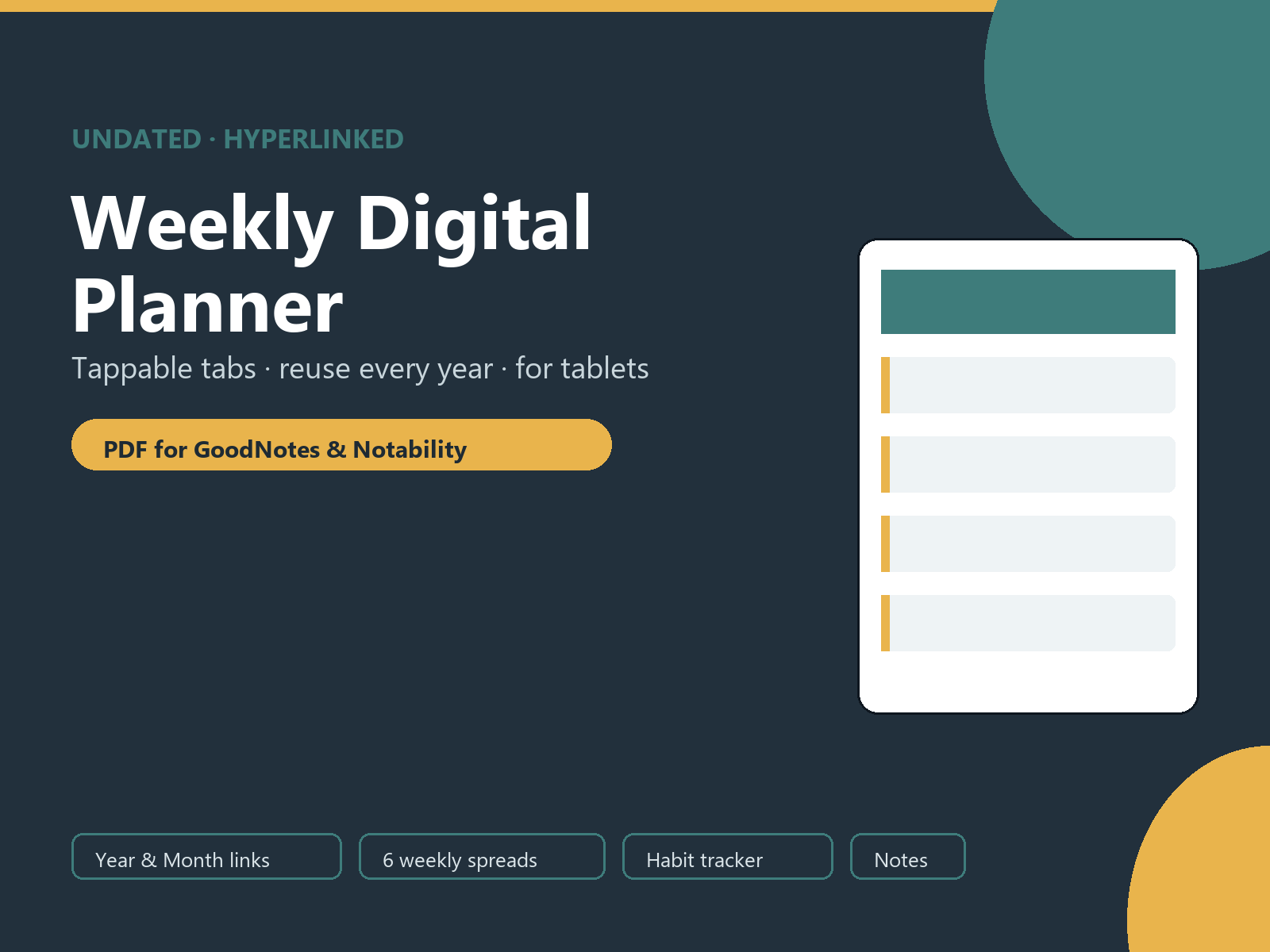
The Undated Weekly Digital Planner is a fully hyperlinked PDF built for note-taking apps like GoodNotes, Notability, Xodo and Noteshelf. Tap the navigation tabs at the top of any page to jump straight to your year overview, monthly calendars, weekly spreads, habit tracker or notes – no scrolling, no searching. Because every page is undated, you can start on any Monday and use it again next year without buying a new file.
It is designed to be simple and calm: a clean layout, plenty of white space, and just the sections you actually use to run your week. Write directly on the pages with your stylus, or type into them – the choice is yours.
What’s inside
- Tappable dashboard (Home): six link cards that open each section of the planner in one tap.
- Year at a Glance: a twelve-month overview where every month links to its own calendar page.
- 12 undated monthly calendars: Monday-start weekday grids with a “open a week” button and previous / next month links.
- 6 undated weekly spreads: a “week of” line, a Top 3 focus box, day blocks for all seven days, and a notes / to-do panel – with previous / next week links.
- Habit tracker: a 31-day grid for up to sixteen habits so you can build streaks across any month.
- 3 free-form notes pages: lined pages for ideas, plans and lists, linked together.
- How to Use page: a 60-second setup guide so you are planning within minutes.
Who it’s for
This planner suits anyone who prefers a paperless system: students mapping their term, freelancers and small-business owners planning their workload, and anyone who wants a lightweight weekly routine on their iPad or Android tablet. If you like the idea of a reusable, distraction-free planner that lives on your device, this is built for you.
How to use it
Download the file after checkout, then import the PDF into your favourite note-taking app. Open it, tap the tab bar at the top of any page to move around, and start writing. On the Year and Month pages, tap a month or the “open a week” button to jump to a spread. Need more weekly or notes pages? Duplicate them inside your app – the template is yours to reuse as often as you like.
Formats & compatibility
You receive a single hyperlinked PDF sized in a 3:4 tablet ratio. It is optimised for GoodNotes, Notability, Xodo and Noteshelf, and it also opens in any standard PDF viewer as ordinary pages. Internal links work in most PDF note apps; a few readers may require “link” or “hyperlink” mode to be switched on. This is a digital product – nothing is shipped.
Frequently asked questions
Is this planner dated?
No. It is completely undated, so you can start in any week or month and reuse the same file every year.
Will the tappable tabs work in my app?
Yes in the vast majority of PDF note apps, including GoodNotes and Notability. If your reader does not follow links, every page still works perfectly as a normal writable page.
Can I print it too?
It is designed for tablets rather than printing, but you can print individual pages if you wish. For a print-first layout, browse our printable planners instead.
Do I need any special software?
You need an app that opens PDF files. A pen-enabled note app such as GoodNotes gives the best experience, but any PDF viewer will open it.
Instant download & license
This is an instant digital download. Files are available immediately after purchase for your personal use. Please do not resell or redistribute the file. Colours may vary slightly between screens.
Explore more in our Digital Planners collection, and pair it with a self-care routine from our Wellness & Self-Care range.
Explore More Digital Tools
- Browse the full shop — planners, trackers, prompt packs and printables
- Free printables library
- Budgeting & saving guide · Planners & productivity guide
- Paper sizes & currency by country
Every Pixquo product is an instant download — no shipping, no waiting.
Reviews
There are no reviews yet.