
A budget that lives in an app you never open is not a budget. Paper works because the act of writing a number makes it real. This guide covers building a working money routine from printable trackers and spreadsheets, and which combination fits which situation.
Browse the full range: Budgeting & Finance (29 products)
Paper, spreadsheet, or both
Paper wins for daily awareness — a spending log beside the kettle gets filled in. Spreadsheets win for totals and trends — formulas do the arithmetic and the dashboard shows the month at a glance. The strongest setup pairs one printed page for daily capture with one spreadsheet for monthly truth.
The three-number method
Whatever template you choose, three numbers run the system: what came in, what must go out (the survival line), and the gap. Track the gap monthly and every other decision — debt order, savings rate, spending cuts — becomes arithmetic instead of anxiety.
Making it stick past February
Attach the routine to an existing habit: log spending when the kettle boils, reconcile on payday, review on the first Sunday. Ten minutes a week is the entire cost of a system that removes money surprises.
Debt and savings on one page
The debt trackers here support both payoff orders — smallest-balance-first for momentum, highest-rate-first for arithmetic — and the savings trackers make the goal visible, which is most of what makes a goal survive.
Popular right now
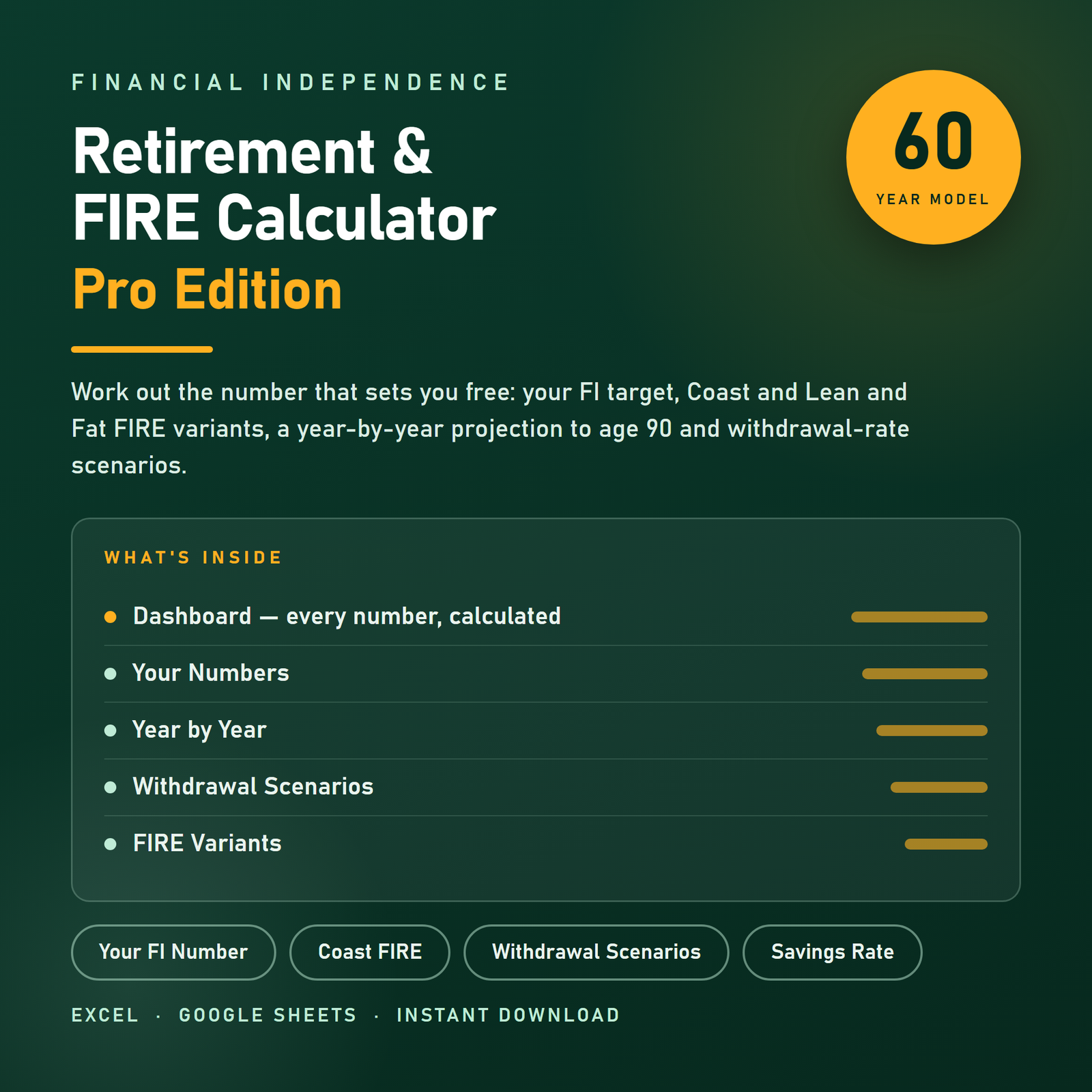

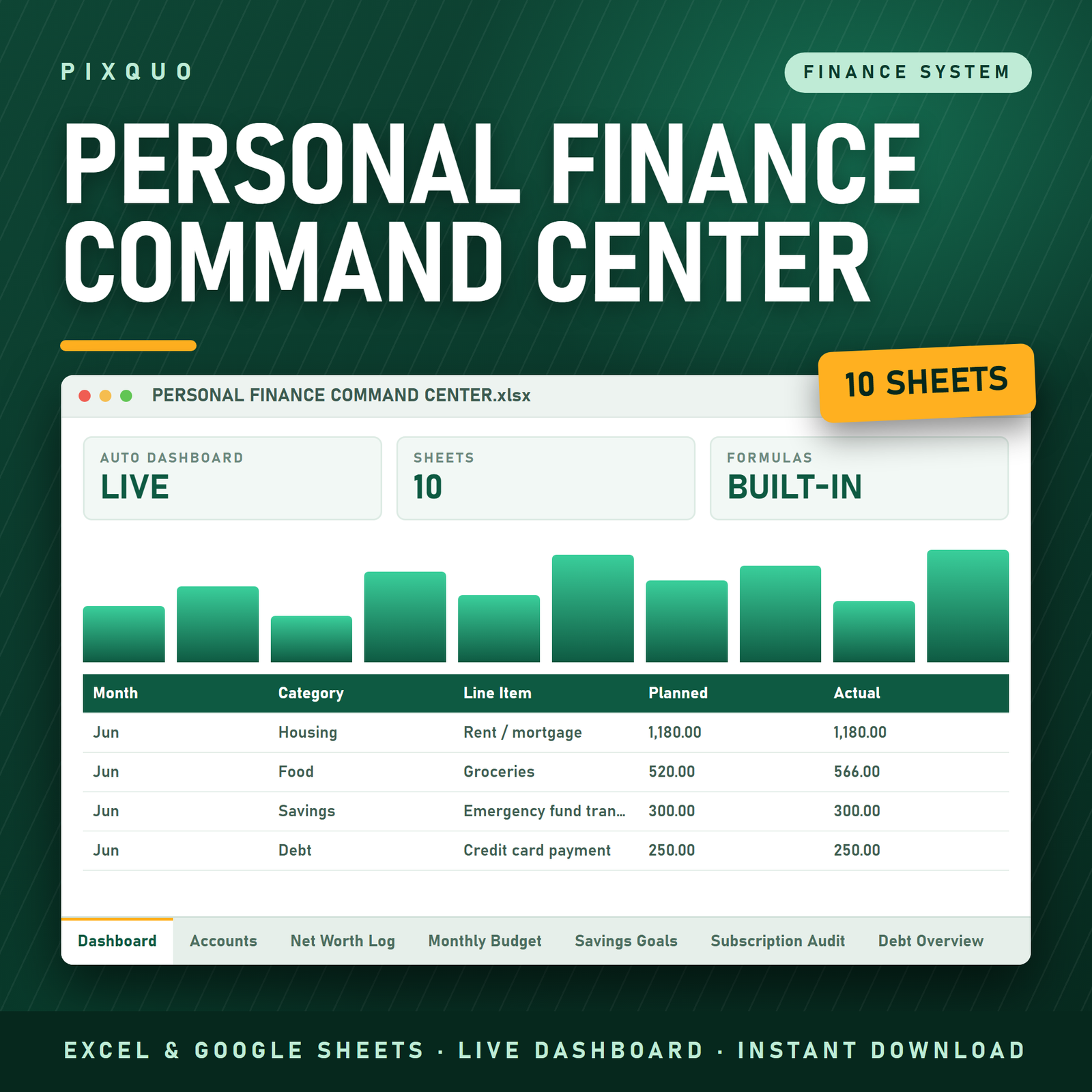
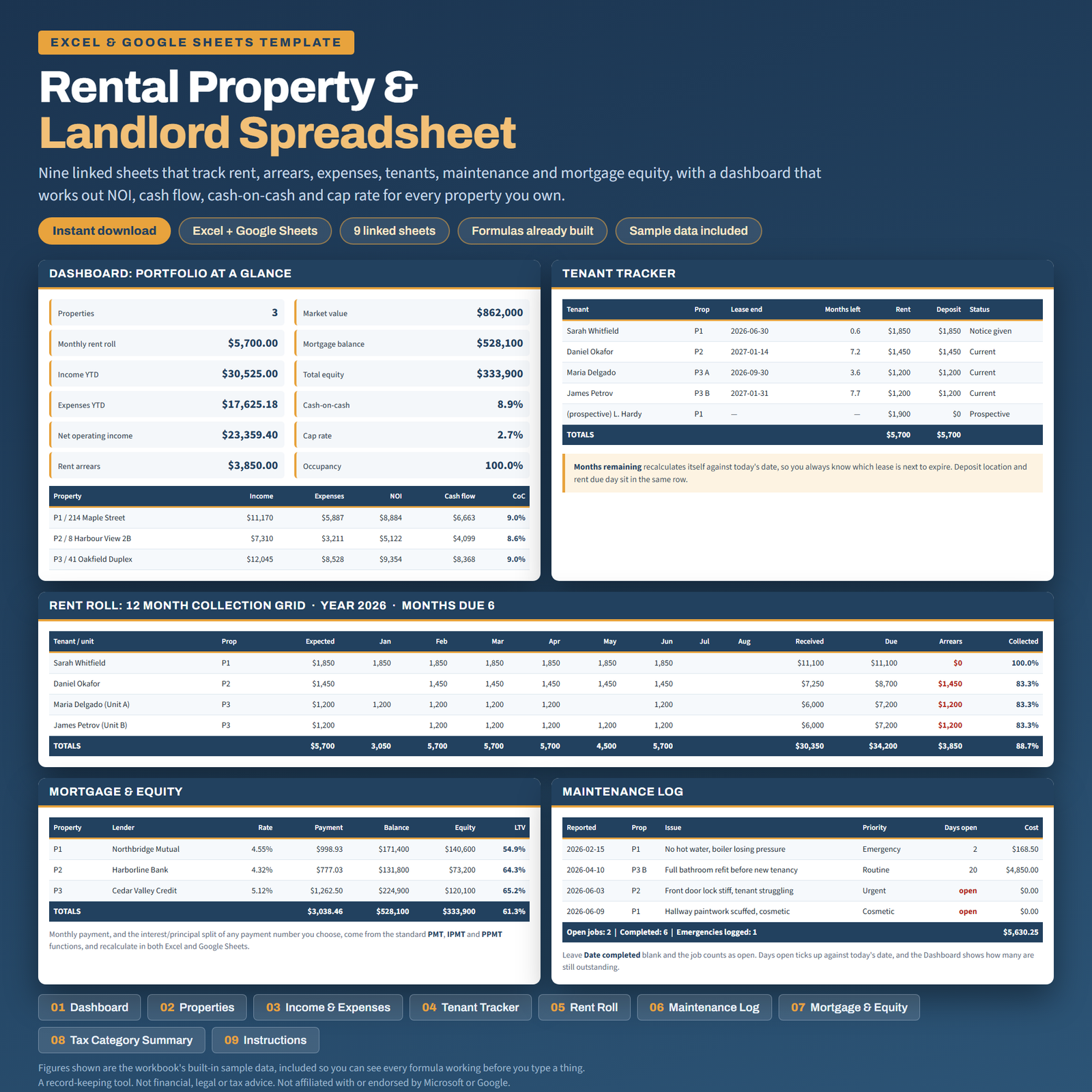
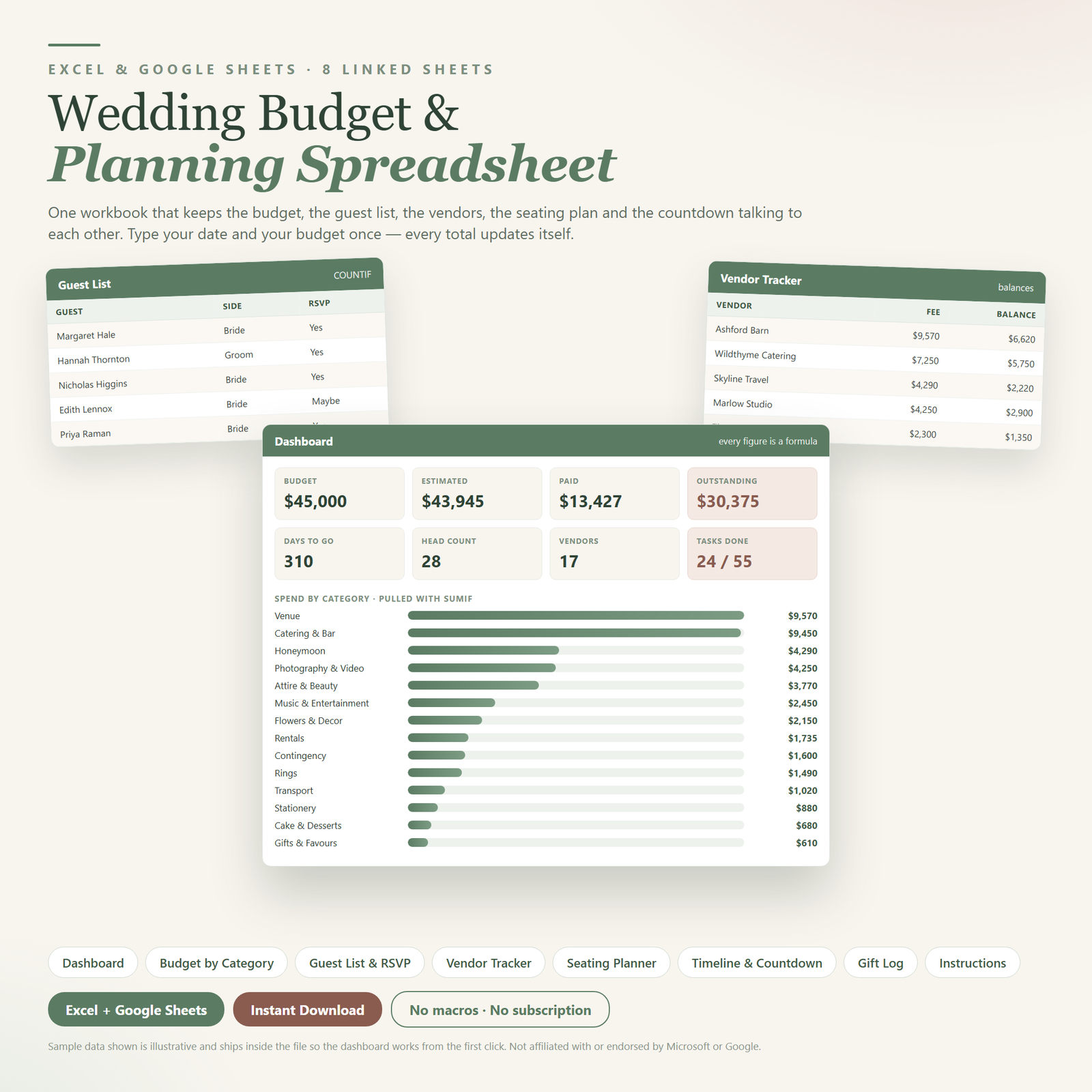
See every printable budget templates product →
Frequently asked questions
Do the spreadsheets work in Google Sheets?
Yes — the Excel files open in Google Sheets, and formulas are written for compatibility with both.
Are these dated?
Budget pages are undated and month-agnostic, so a pack lasts indefinitely.
Is this financial advice?
No — these are tracking tools. Decisions about debt, saving and investing are yours, ideally with qualified advice.
Can I edit the spreadsheets?
Yes, fully — categories, currencies and rows are all editable, with a settings sheet driving the dropdowns.